
Your clothes.
Your digital closet.
Fitted is a digital closet app that helps you catalog clothing from photos and keep your wardrobe together. Start with a picture of a piece you own, let AI suggest details, and review the result.
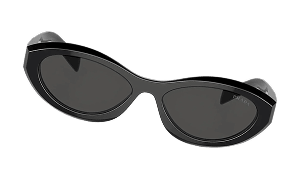
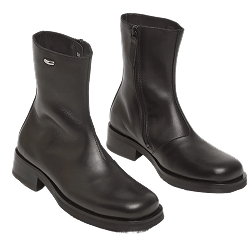
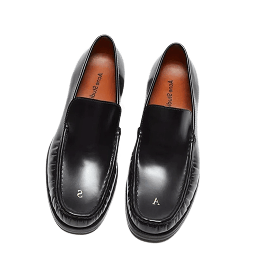
Illustrative clothing images. Your closet starts with your own pieces.
Your wardrobe, easy to see.
A virtual closet, also called a digital closet or digital wardrobe, is an inventory of the clothes you own. Instead of keeping only a folder of outfit photos, you keep a record for each piece so you can see and organize it separately.
Start with a photo
Take a clothing photo or choose one from your photo library. Begin with the pieces you reach for most.
Check the suggested details
Fitted uses AI to help catalog the item. Review the name, category, and other suggested details; photos do not always show everything.
Add as you go
Keep building the wardrobe you actually wear. You do not need to finish every drawer before starting a digital closet.
Digitize your closet
from pictures.
Photo cataloging can reduce the details you enter by hand. It still helps to check your garment's label for information such as size, fabric, and care instructions.
For an item that is hard to recognize, try a clearer photo with the whole piece in frame. Keep the original label as the source for details a picture of the front cannot prove.
See the clothing photo guide →Start small. Choose a manageable group of everyday pieces. A useful first closet is one you can keep up to date.
Before you start.
Can I make a digital closet from photos I already have?
Fitted supports adding clothing from your photo library. Choose a clear image where the item is easy to see, then review the suggested details.
Do I have to type every item into a form?
AI-assisted cataloging helps suggest item details from a photo. You should still check the result and add or correct information that the photo does not show.
Is a digital closet the same as a virtual try-on?
No. A digital closet is an inventory of your wardrobe. Virtual try-on is a separate kind of feature that creates or displays an image of how clothing might look on a person. You can organize a digital closet without using virtual try-on.
Do I need to photograph my entire wardrobe at once?
No. Start with the clothes you wear most and add more as you use them. A clear photo of each piece is more useful than rushing through a large pile.
What does Fitted cost?
Check the current plan and purchase details in Fitted before starting a paid feature. Prices, plan limits, and feature availability are shown in the app.